
SCUBA second-stage opening effort
Estimate SCUBA 2nd-stage cracking pressure from the pressure minimum and sustained rebound as gas begins to flow. Review the waveform alongside the result.
DIY SCUBA regulator pressure tester
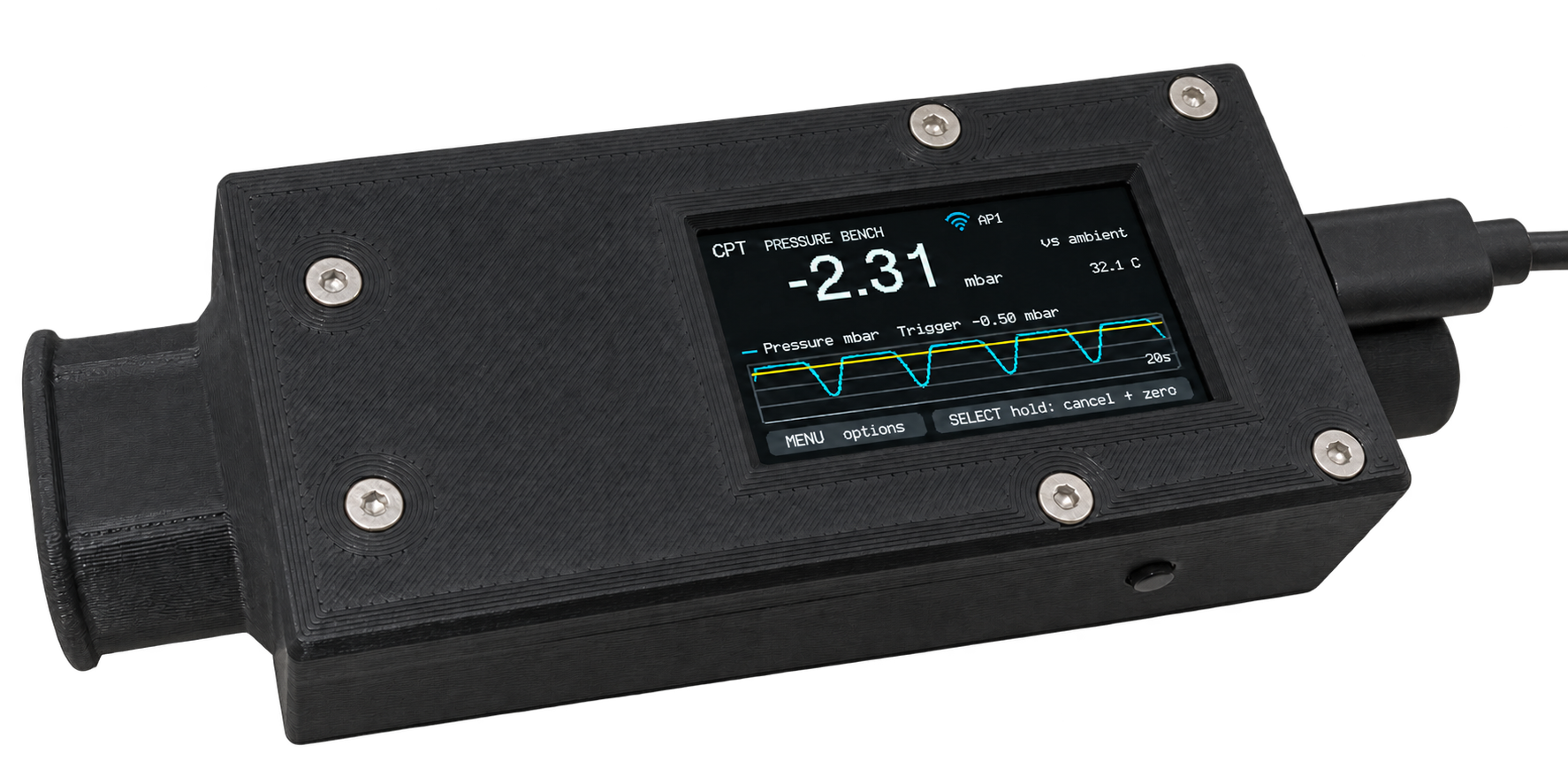
Build a compact workshop instrument that fits between your SCUBA second stage and its mouthpiece. See the opening effort (cracking pressure) in mbar, review each breath, and save records for scuba regulator maintenance and servicing.
A DIY build: source the parts, 3D-print the housing and solder the connections. The €25 device licence is separate from hardware and printing.
Before you start
The colour display and Wi-Fi are already on the board. Add the pressure sensor, two buttons and the printed enclosure.
See the exact parts list →The v0.14 housing fits an optional 852040 battery under the display. Download the matching model files and follow the print inspection and seal-check instructions.
Open the complete wiring sheet →Check licence availability before ordering parts. Measurements require an activated device licence.
Your build, step by step
Check the exact board and sensor, then download the matching v0.14 body, lid and button clips. The X1C profile uses 100% infill.
Open parts and assembly →Solder the connections and install firmware with the board outside the case. Check the display and buttons before sealing and closing the housing.
Follow the bench checks →Connect to the device hotspot, activate the licence for your board, then verify the finished instrument before recording a breath set.
Connect and get started →One instrument, one record
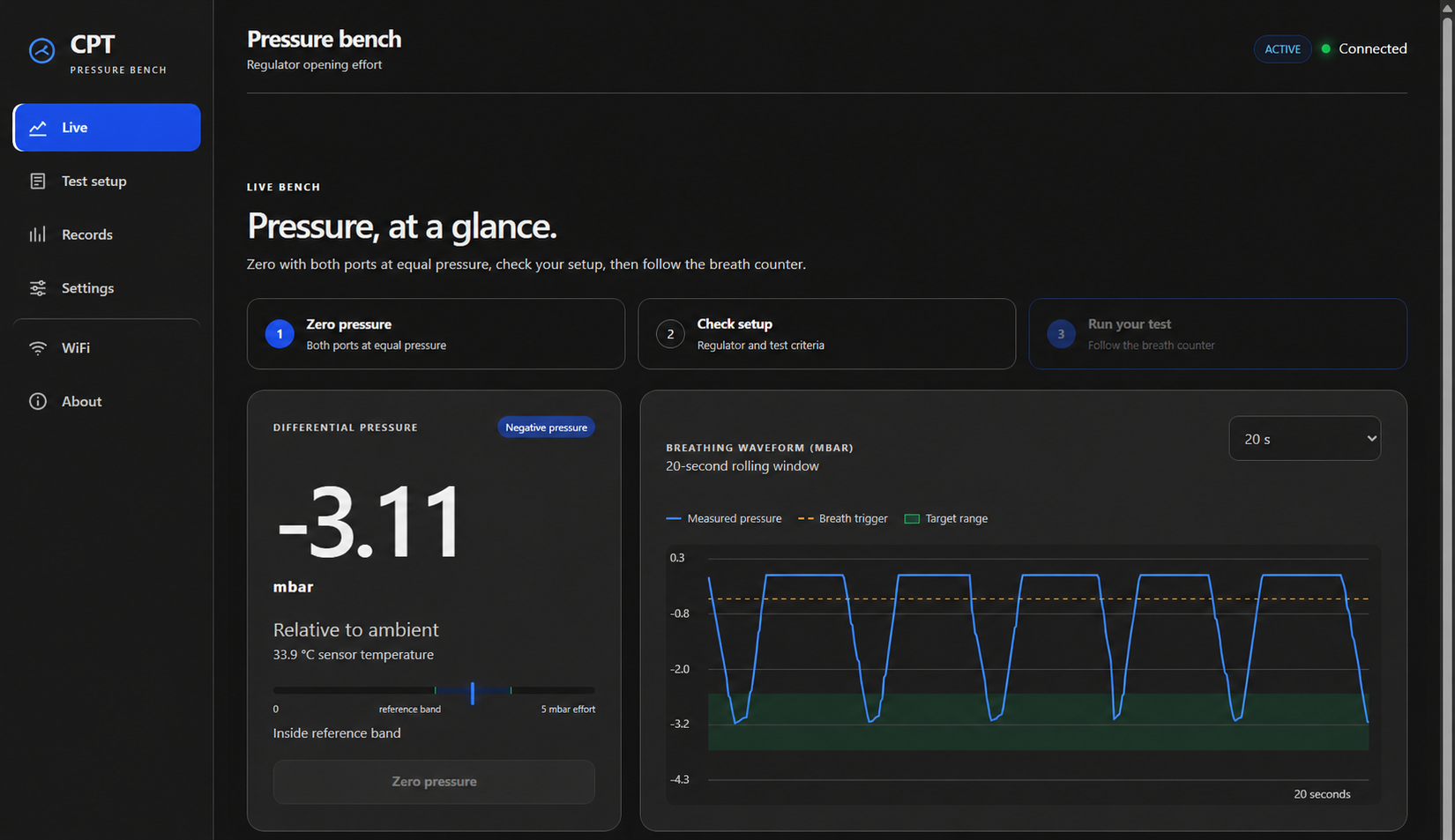
Use the display and two buttons at the bench, or connect a phone or computer to see the larger chart, set up tests and export records. Workshop Wi-Fi is optional.
Estimate SCUBA 2nd-stage cracking pressure from the pressure minimum and sustained rebound as gas begins to flow. Review the waveform alongside the result.
Compare the average with your configured range and the variation between breaths. Range and repeatability have independent verdicts.
Keep serial number, technician, work order and test conditions with each result. Export CSV, raw records or a detailed printable report.
Software licence
A permanent licence for the physical board’s Device ID. No subscription. Activate locally with your licence key and use the tester without internet.
Before activation
Firmware installation, Wi-Fi setup, Device ID and licence activation stay accessible.
Live readings, tests, charts and service records become available after the licence is activated.
Install firmwareLifetime device licence
All measurement and reporting functions. Live pressure, waveforms, breath tests, service history and exports on one board.
Check licence availabilityCheckout uses the existing FiddlerCrab payment service.
Hardware and assembly are separate.
Check licence availability before ordering parts. Measurements require an activated device licence.
Use your FiddlerCrab account and the Device ID from the device’s About page. A licence works only with its matching board. Confirmed orders provide the activation key.
Everything for your build
Follow the build guide in order: parts, printing, wiring, a bench check and final assembly. The operating manual takes you through connection, activation and your first test.
Quick answers
Use the SCUBA Regulator Tester to compare second-stage opening-effort estimates and keep repeatable records during diving equipment maintenance and regulator servicing. It complements the correct model-specific service procedure and verified pressure-reference checks.
All pressure measurement and reporting functions on one physical board, permanently. The firmware can be installed and configured before purchase; measurement functions require activation. Electronics, sensor, printed parts and assembly are not included.
FiddlerCrab publishes SCUBA Regulator Tester and handles its licence through the existing FiddlerCrab payment service. The checkout identifies the regulator pressure tester licence and the CPT Device IDs you enter.
The display and buttons work locally. Once you have your licence key, both activation and measurement work without internet. Paste the key through the device hotspot; workshop Wi-Fi is optional. Internet is needed for online installation, account sign-in and purchase.
The MakerWorld listing is not live yet. You can download the v0.14 model package and 100% infill print profile here. Inspect and seal-check your actual print before use; software checks do not establish physical gas tightness. Use the matching body and lid.
This is a pressure-only estimate for workshop comparison and repeatable records. It infers opening from the pressure waveform. It does not observe an intermediate-pressure gauge drop, measure work of breathing, or replace the correct model-specific service procedure and calibrated bench checks.
Your FiddlerCrab account keeps board registrations and installation history together. Each physical board needs its own €25 licence. Open registered boards →
Our diving projects
Explore the other projects from FiddlerCrab. Each link opens in a new tab.
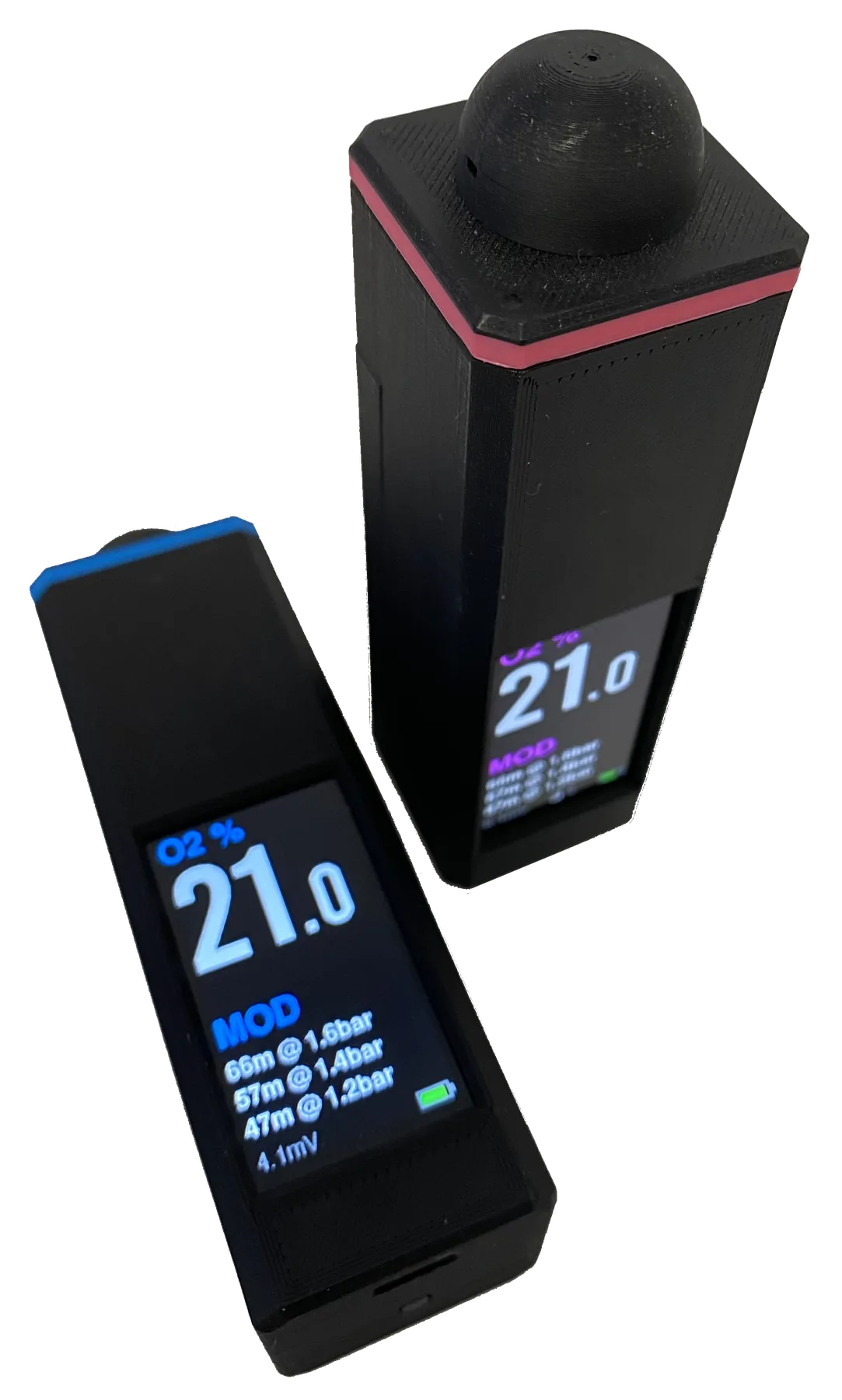
DIY gas analysis
Build your own oxygen analyser, with optional cylinder-label printing.
Explore Nitrox Analyser ↗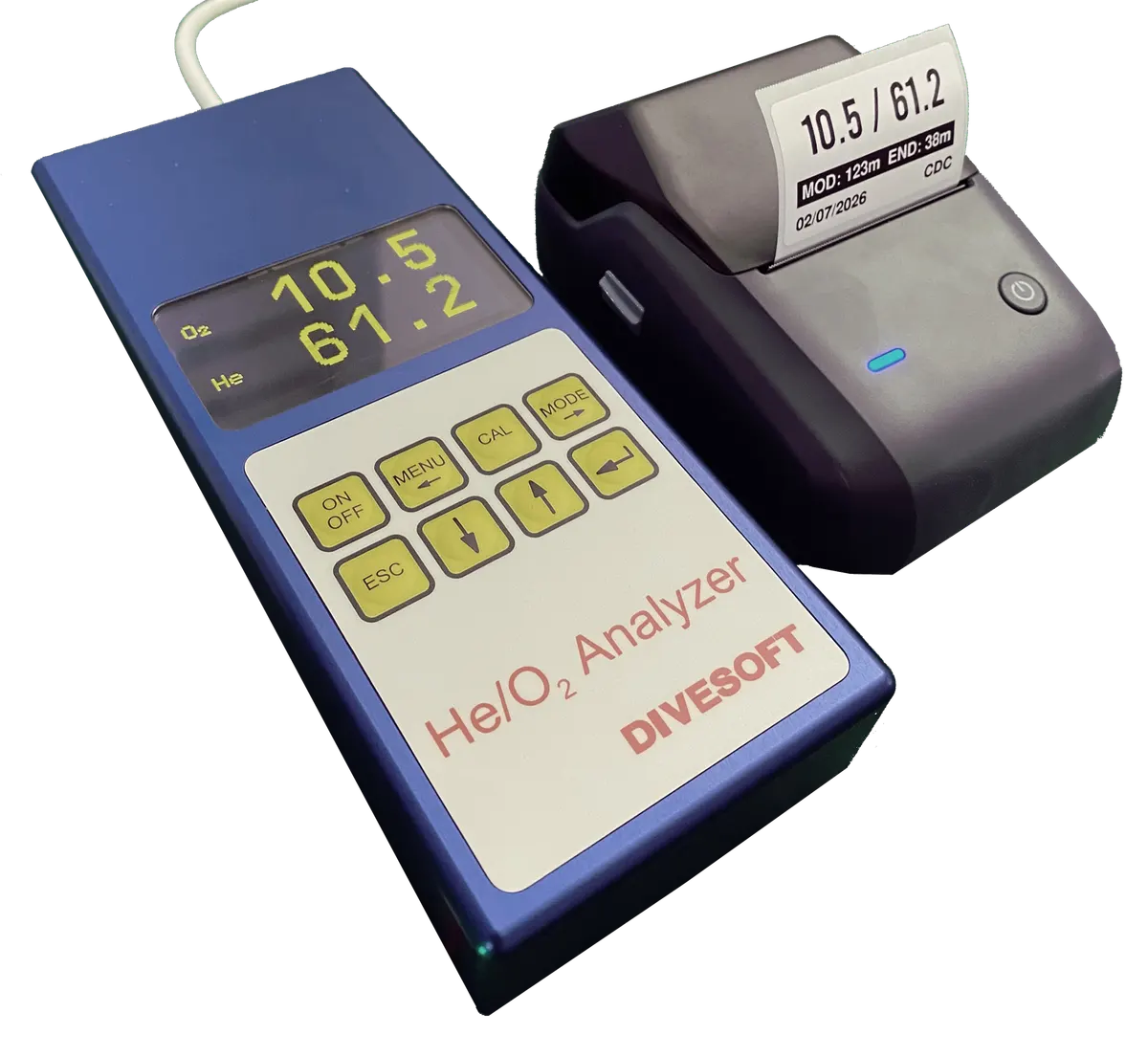
Analysis to cylinder label
Connect a Divesoft analyser to Bluetooth gas-label printing.
Explore the Trimix adapter ↗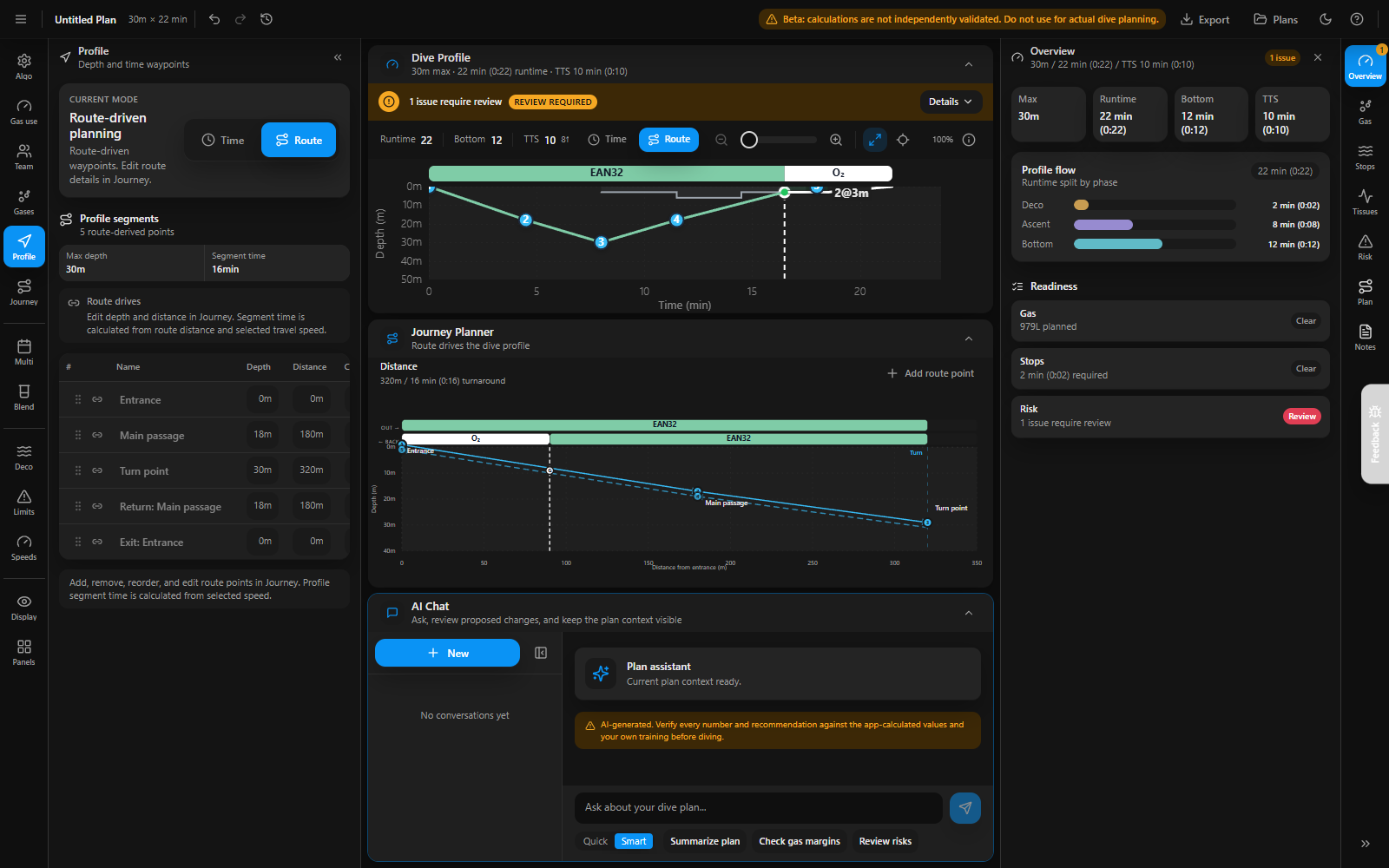
Before the dive
Plan technical open-circuit and rebreather dives.
Open DivePlanner ↗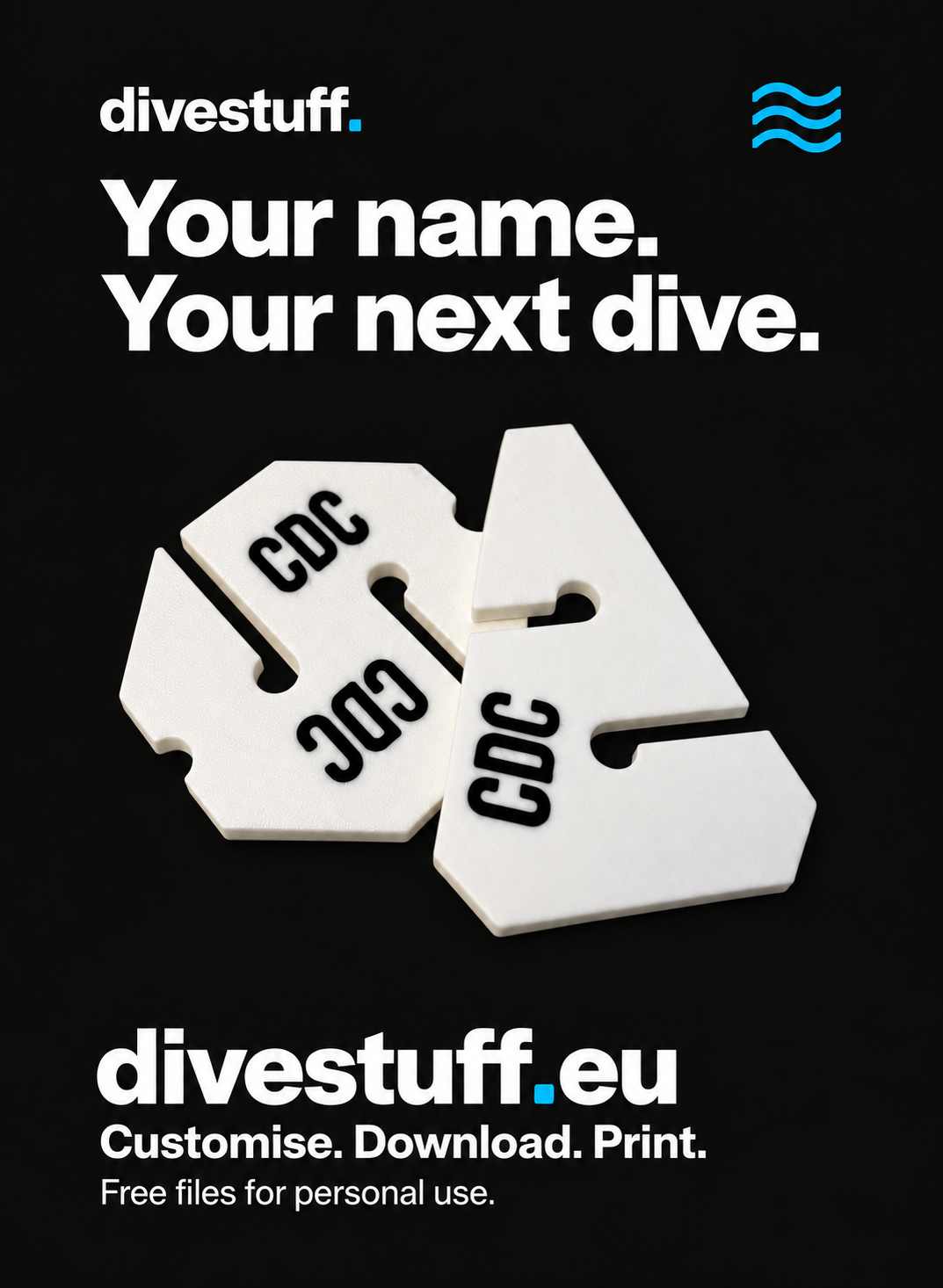
Make it yours
Personalised cave markers and downloadable 3D print files.
Explore divestuff ↗Ready to begin?
Start with the parts list and matching model files, then follow each assembly step.